Tricknology
Home servers, network administration, and Windows config with a focus on practical, step-by-step implementation.
Nutrition Label
Tricknology delivers functional, screen-recorded tutorials for IT tasks like server setup and network scanning. The content excels at demonstrating live command-line workflows, validating that the methods work in real-time. However, the approach is strictly procedural, occasionally omitting critical safety context for scripts or misidentifying software update terminology.
Strengths
- +
- +
- +
Notes
- !Scripts often lack safety context; double-check command flags like '/mir' before running on critical data.
- !Verify specific software version claims independently, as terminology for updates is sometimes inaccurate.
Why this score
“Kubernetes Installation on Windows 11 Using Docker Desktop”
The video delivers exactly what is promised in the title with zero deviation or clickbait.
Open receiptTrust Breakdown
Mixed / General Lens: Scored with the default trust weighting.
Confidence pending. Based on 8 long-form videos.
These six Trust Core outputs drive the public creator rating. Communication affects discovery ranking separately. Methodology →
Recent Videos
SHUT DOWN Windows 11 PC from ANYWHERE in the WORLD! 🌍 (FREE & No Port Forwarding)
CONTROL Your PC From Anywhere in the World (RDP -NO Port Forwarding)
I Set Up a Private Cloud for Free Like Small Company: No Port Forward Access From Anywhere
Windows 11: Create A Personal File Server In Minutes | No Port Forwarding | Access From Anywhere
Can't Extend C Drive? Unallocated Space Fix (Windows 11)
How to Fix Ethernet Not Working in Windows 11
I Built Fast File Transfer Over LAN No Internet
Turn Windows 11 Into a Pro File Server (PowerShell Only!)
Fix File Explorer Stuck At ‘Working on It’ in Windows 11
This USB Drive Runs AI Without Internet!
FREE Self-Hosted Remote Desktop Server | RustDesk + Docker + Ubuntu
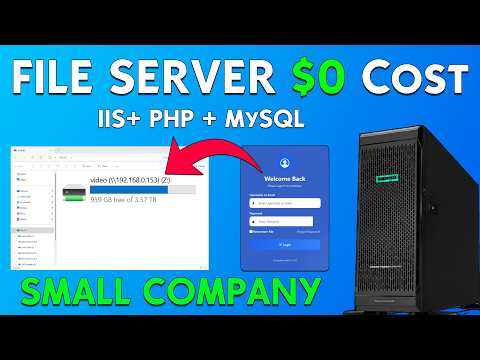
SETUP Small Company File Server | Windows Server | IIS+ PHP + MySQL | $0 Cost
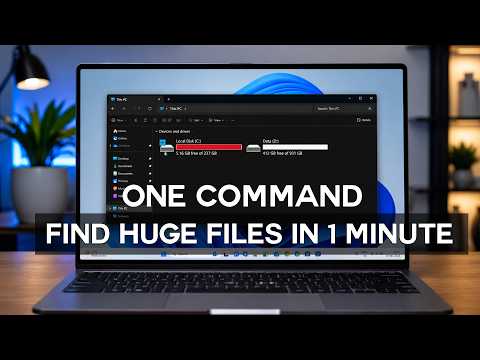
Find Huge Files on Windows in 1 Minute(JUST One Comand)
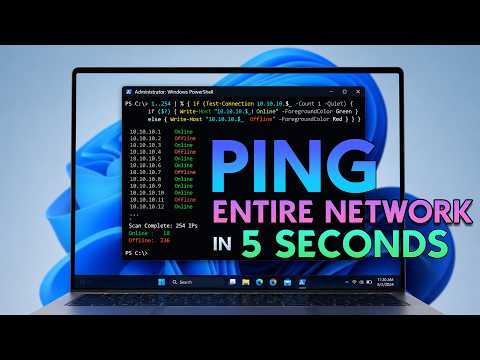
Ping Your Entire Network in 5 Seconds!⚡
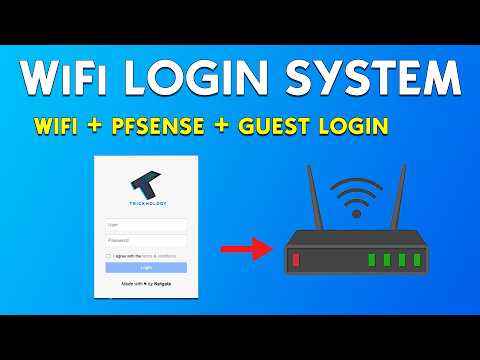
Make Users Login Before Accessing the Internet
Shareable card
A compact ReReview card and short URL for sharing this trust score.
