
Murtaza's Workshop - Robotics and AI
Computer vision, edge AI, and Python GUIs with a focus on practical implementation and hardware integration.
Nutrition Label
Murtaza delivers highly practical, project-based tutorials that bridge the gap between AI software and physical hardware. His content excels at showing the messy reality of coding, often retaining live debugging sessions and API failures to teach real-world problem-solving. While technical depth sometimes favors workflow demonstration over theoretical analysis, the authenticity of his builds is consistently high.
Strengths
- +
- +
- +
Notes
- !Theoretical explanations often take a backseat to practical implementation, so expect 'how' rather than 'why'.
- !Some project showcases serve as functional teasers for paid courses, so check descriptions for full context.
Why this score
“Look at this. What on earth is this? I was shocked to see the results... None of the other results were like that.”
Demonstrates genuine reaction to unexpected failure modes during the testing process, showing real-time evaluation.
Open receiptTrust Breakdown
Mixed / General Lens: Scored with the default trust weighting.
Confidence pending. Based on 6 long-form videos.
These six Trust Core outputs drive the public creator rating. Communication affects discovery ranking separately. Methodology →
Recent Videos
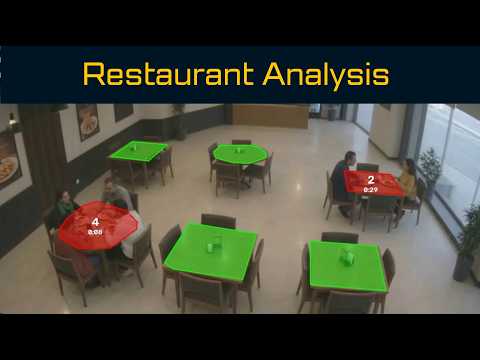
Restaurant Analysis using Computer Vision - Full Course
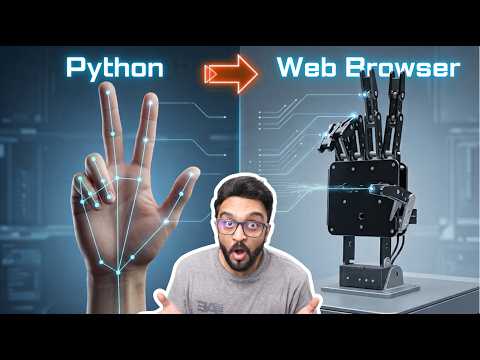
3d Robot Hand Gesture Control using Computer Vision

Face Attendance Complete Software - Run Locally 100% Offline
I Built an Automated Grading System using AI and Computer Vision
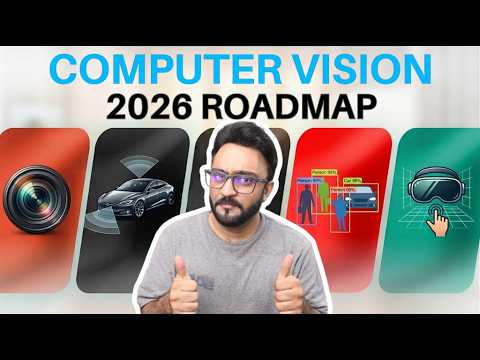
Computer Vision Road Map 2026
Is Coding Boring Now? The Honest Truth
CVZone Academy - The New way of Learning Computer Vision

ChatGPT 6 Astra: Is it the Real-Life JARVIS?

I built an AI HR Agent to handle hiring (100% FREE)

Learn Modern Computer Vision in 2026: From Basics to Advanced
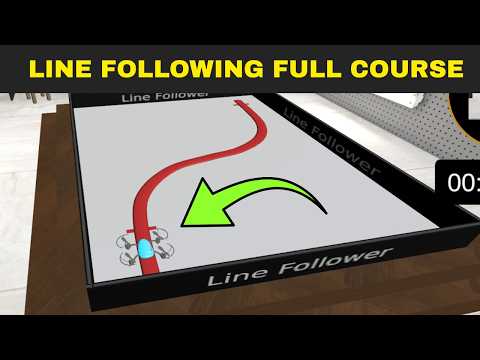
Drone Line Following: From Basics to Global Competition (Full Course) 2026
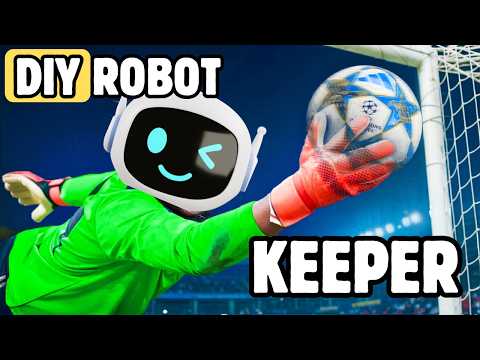
Building a DIY Robot Goal Keeper using Computer Vision

Is WordPress still worth it in 2026?

I built an AI Video Editor & Its better than I thought
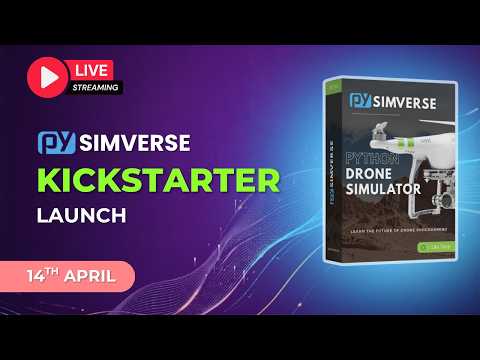
🔴Live: Pysimverse Kickstarter Launch
Shareable card
A compact ReReview card and short URL for sharing this trust score.
