
Kevin Powell
Modern CSS, browser features, and frontend layout with a focus on live debugging and practical implementation.
Nutrition Label
Kevin Powell excels at "show, don't tell" education, frequently live-coding to demonstrate not just the solution, but the debugging process and failure modes. His content is highly authentic, often keeping mistakes in the final edit to teach resilience, though his titles occasionally veer into sensationalism for industry commentary. Viewers get deep technical insight into browser mechanics delivered with high clarity and honesty.
Strengths
- +
- +
- +
Notes
- !Industry commentary titles are often hyperbolic, while tutorial titles accurately reflect the technical content.
- !He often demonstrates experimental features, so verify browser support before using these techniques in production.
Why this score
“It's a really quick win.”
The video delivers exactly what is promised: a concise, immediate solution to a specific problem without padding or clickbait.
Open receiptTrust Breakdown
Mixed / General Lens: Scored with the default trust weighting.
Confidence pending. Based on 10 long-form videos.
These six Trust Core outputs drive the public creator rating. Communication affects discovery ranking separately. Methodology →
Recent Videos

CSS animations to bring your site to life
Use these CSS features instead of JavaScript
Fixing fluid typography
CSS can count now!
This CSS property fixes a problem as old as CSS - a look at text-box-trim and text-box-edge

Nobody told me CSS could do this

My new favorite CSS trick: conditional border-radius

The most undervalued front-end skill right now
There's a new CodePen, and it's amazing
This library changes how JS and CSS work together
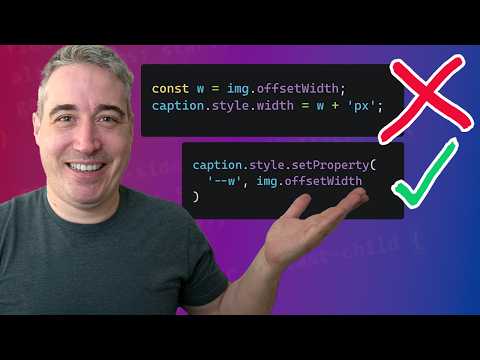
Let CSS do the work
Transition to and from display: none

The most fun I've had with CSS in a while thanks to offset-path

I finally used GSAP... and I get the hype now
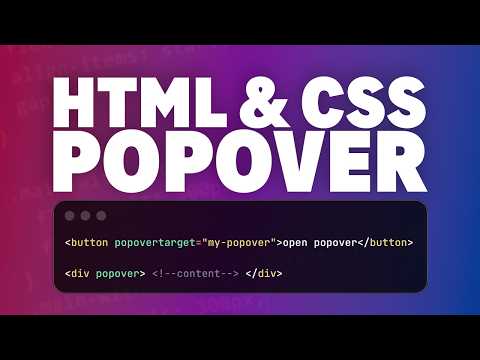
Native popovers with smooth animations (no JS required)
Shareable card
A compact ReReview card and short URL for sharing this trust score.
