
Howfinity
Messaging apps, screen capture tools, and privacy software with a focus on basic usability and setup.
Nutrition Label
Howfinity delivers concise, functional tutorials that guide users through software interfaces with high clarity and strict adherence to video titles. While excellent for beginners needing basic setup instructions, the content generally avoids deep technical analysis or manual configuration details, preferring automated wizards and standard workflows.
Strengths
- +
- +
- +
Notes
- !Tutorials cover the standard setup process and may not address complex troubleshooting or edge cases.
- !Technical explanations prioritize ease of use over deep dives into manual settings or protocols.
Why this score
“Here’s how I use WhatsApp on my computer... This helps me use WhatsApp on my computer with WhatsApp Web or the desktop app”
The content delivers exactly on the specific promise of the title with no deviation or clickbait.
Open receiptTrust Breakdown
Mixed / General Lens: Scored with the default trust weighting.
Confidence pending. Based on 10 long-form videos.
These six Trust Core outputs drive the public creator rating. Communication affects discovery ranking separately. Methodology →
Recent Videos

How To Sell On TikTok Shop For Beginners (2026 Guide)

HubSpot CRM Tutorial For Beginners
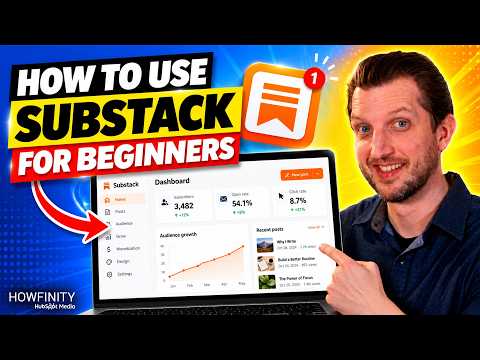
How to Use Substack for Beginners
How to Use New ChatGPT 6

How To Change Your Background on Zoom
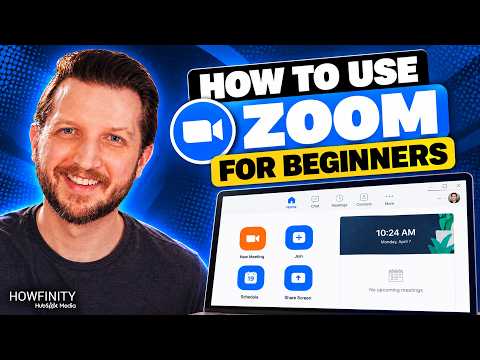
How To Use Zoom For Beginners
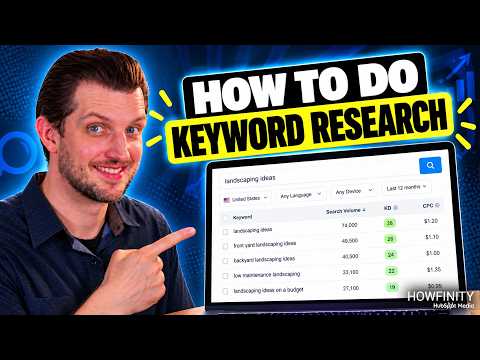
How To Do Keyword Research For SEO

How To Find Ideas For Your Blog

How To Create A Landing Page With ChatGPT
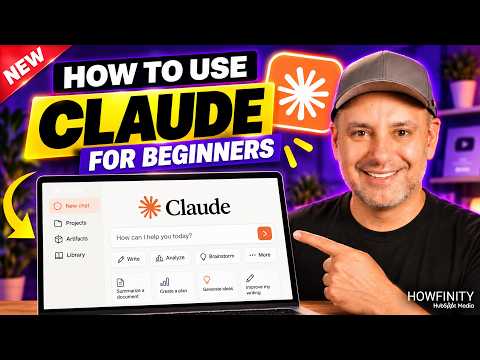
How To Use Claude - 2026 Beginner's Guide

Best Claude Prompts For Work - Steal these prompts

How To Create LinkedIn Business Page

How To Create A Custom Email Signature
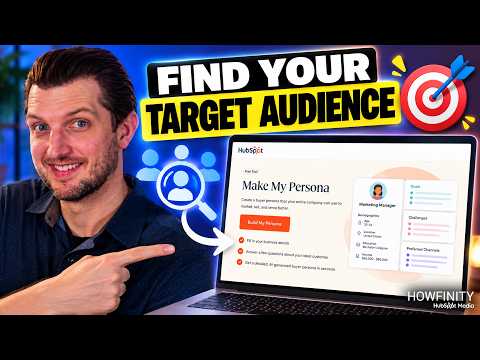
How To Find Your Target Audience
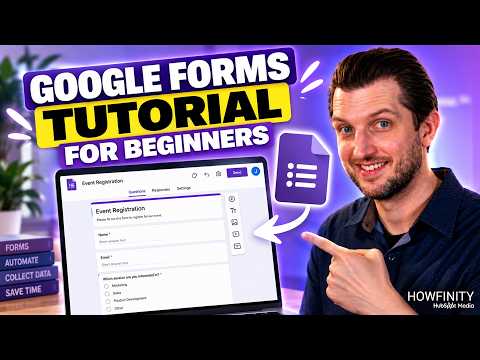
Google Forms Tutorial For Beginners
Shareable card
A compact ReReview card and short URL for sharing this trust score.
