
Nutrition Label
GSM-ABC specializes in direct, hands-on tutorials for smartphones, particularly within the Xiaomi and Redmi ecosystems. The content is highly functional, focusing on solving specific user problems like privacy settings, file transfers, and hardware setup through clear visual demonstrations. While the creator consistently uses real devices rather than stock footage, the analysis is largely procedural, and titles sometimes use specific model names to describe generic Android features.
Strengths
- +
- +
- +
Notes
- !Verify the device model shown on screen, as titles may occasionally reference unreleased or generic model names.
- !Expect functional step-by-step guides for settings and hardware rather than deep technical analysis of internal components.
Why this score
“[Visual Action] The creator successfully places the SIM card and SD card into the tray and reinserts it into the phone.”
The content delivers exactly the utility promised in the title without deviation or clickbait.
Open receiptTrust Breakdown
Mixed / General Lens: Scored with the default trust weighting.
Confidence pending. Based on 5 long-form videos.
These six Trust Core outputs drive the public creator rating. Communication affects discovery ranking separately. Methodology →
Recent Videos
How to Disable Google News Feed Discover in 2026
How to Backup Photos, Videos & Data on Samsung Galaxy Phones
How to Backup & Restore Personal Data on Samsung Galaxy Phones
How to STOP Auto Scan Documents on Samsung Galaxy Phones
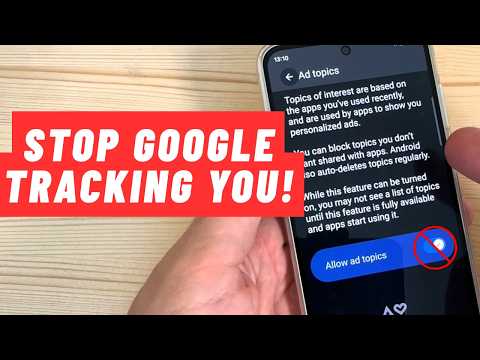
How to STOP Google Collecting & Using Your Data
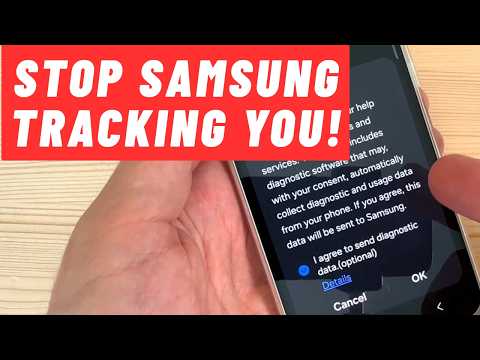
How to STOP Samsung Collecting & Using Your Personal Data
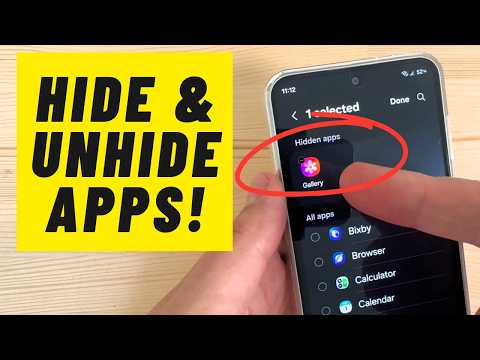
How to HIDE & UNHIDE Apps on Samsung Galaxy Phones
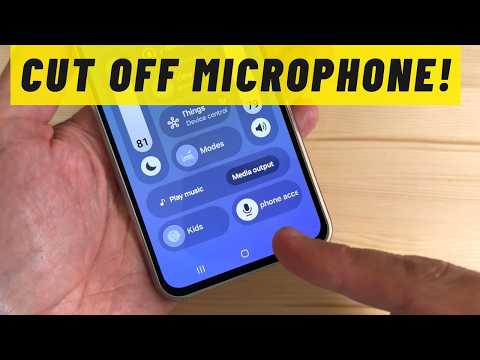
How to Cut Off Microphone on Samsung Galaxy Phones
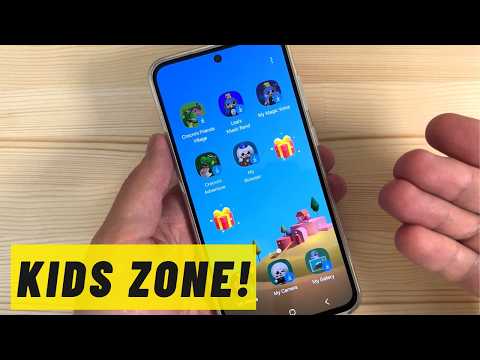
How to Easy Access Kids Zone on Samsung Galaxy Phones
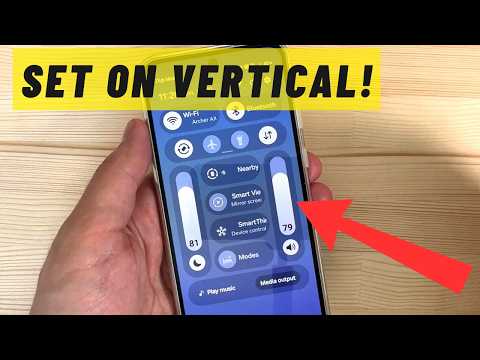
How to Set on Vertical Brigtness & Volume Bars on Samsung Galaxy
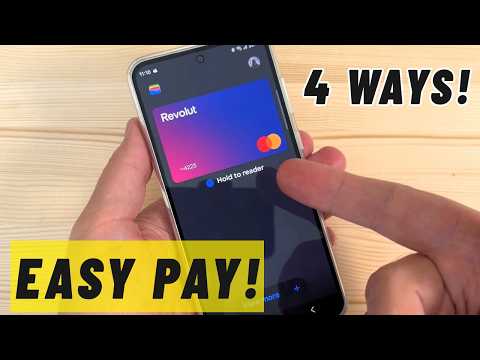
Easy Pay with Samsung Galaxy - 4 Ways!
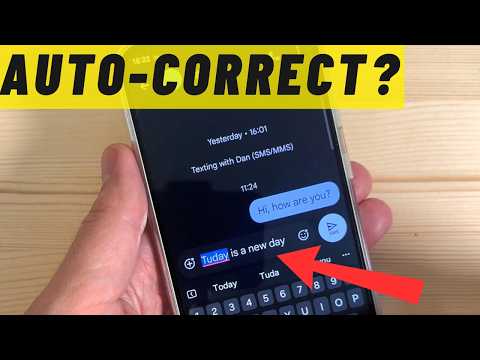
How to Use Auto-Correct on Samsung Galaxy Phones

Voice Typing on Samsung Keyboard (Easy Guide)
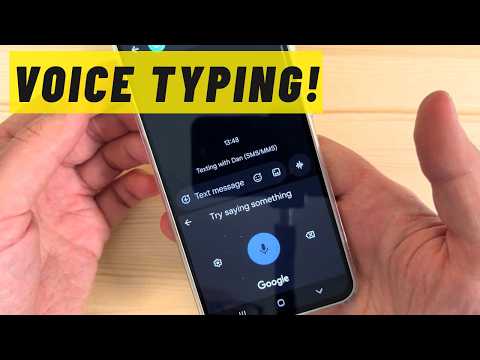
Easy Way to Use Voice Typing on Samsung Galaxy Phones
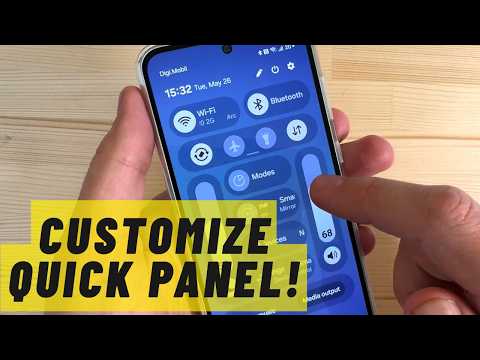
How to Customize Quick Panel on Samsung Galaxy ONE UI 8.5
Shareable card
A compact ReReview card and short URL for sharing this trust score.
