
Geeks Tutorial
Windows optimization, Android management, and system utilities with a focus on step-by-step execution.
Nutrition Label
Geeks Tutorial specializes in direct, screen-recorded guides for Windows and Android troubleshooting, consistently showing the exact steps required to solve a problem. While the visual instructions are easy to follow and highly actionable, the channel frequently recommends third-party tools, scripts, or file hosts without fully verifying their safety or explaining the underlying mechanics.
Strengths
- +
- +
- +
Notes
- !Verify the source of any downloadable scripts or ISO files before running them on your primary machine.
- !Performance claims regarding system speed-ups are generally stated without before-and-after benchmarks.
Why this score
“How to Delete Google Account Permanently on Android”
The content delivers exactly the procedure promised in the title with zero deviation or clickbait.
Open receiptTrust Breakdown
Mixed / General Lens: Scored with the default trust weighting.
Confidence pending. Based on 6 long-form videos.
These six Trust Core outputs drive the public creator rating. Communication affects discovery ranking separately. Methodology →
Recent Videos
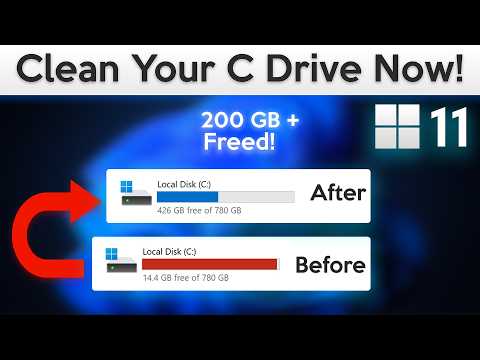
How to Clean C Drive in Windows 11 (Deep Cleaning)
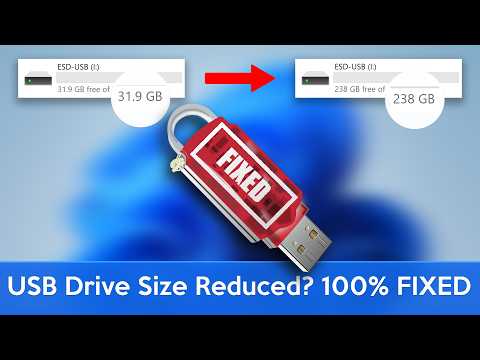
How to Fix USB Flash Drive Capacity Reduced Issue (Windows)
How to Create a Windows 10 Bootable USB Flash Drive Using Rufus
How to Download Windows 10 ISO file (Direct Download)
How to Factory Reset Windows 11 (Really Easy)
How to Install Windows 11 Without USB (Step by Step Guide)
How to Create WhatsApp Username (Really Easy)
How to Make Android Phone Faster in 4 Minutes
How to Download Windows 11 ISO File for ARM PCs (Official)

How to Play PS5 Games On Any Android Device | In-Depth

How to Speed Up Your Android Phone (Best Settings)
Android Settings You Should Turn Off Right Now! (Urgent)

How to Speed Up Windows 11 (Best Settings)
How to Download Windows 10 For Free (Official)
How to Extend Windows 10 Support For Free (Enroll Now)
Shareable card
A compact ReReview card and short URL for sharing this trust score.
