
Crown GEEK
Windows optimization, system troubleshooting, and productivity software with a focus on practical tutorials and performance fixes.
Nutrition Label
Crown GEEK specializes in screen-recorded tutorials for Windows troubleshooting, system optimization, and software utilities. The content is highly functional, offering clear step-by-step guides for fixing errors or enabling features, though performance claims often lack data-driven evidence. Viewers will find practical solutions but should be wary of advice that bypasses security protocols without explanation.
Strengths
- +
- +
- +
Notes
- !Verify security implications before following advice to disable system protections or services, as risks are rarely explained.
- !Treat performance promises and future-dated titles with skepticism, as claims are rarely supported by comparative benchmarks.
Why this score
“If I click on OK, so you can see the folder that we created on the physical machine is now showing up here.”
Demonstrates the successful outcome of the tutorial by accessing the shared folder via IP address in real-time.
Open receiptTrust Breakdown
Mixed / General Lens: Scored with the default trust weighting.
Confidence pending. Based on 10 long-form videos.
These six Trust Core outputs drive the public creator rating. Communication affects discovery ranking separately. Methodology →
Recent Videos

Can't Upgrade RAM? Do THIS Instead! (Get Approx 2GB RAM Free)
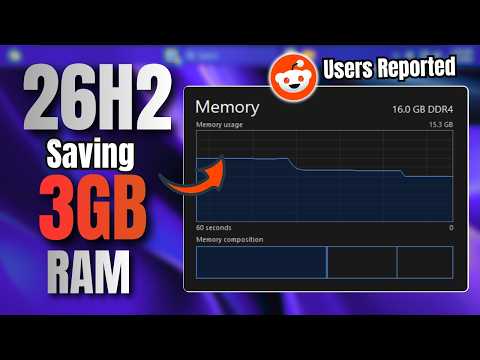
Windows 11 26H2 Is Using 3GB LESS RAM?! Users REPORTED

How to Clean C Drive & Get Back 180GB+ SPACE Instantly.
Install macOS Tahoe on Any Windows PC or Laptop

Windows 11 26H2 - 2 Methods to Upgrade OFFICIALLY
Windows 11 26H2 is OFFICIALLY RELEASED | Install & FEATURES
How to Make Laptop Like NEW Again (Full RESET)

3 Ways to Bypass Microsoft Account Sign-In During Windows Installation
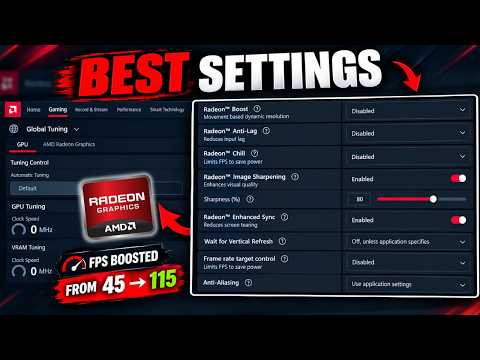
Best AMD Radeon SETTINGS for GAMING (2026) More FPS & Low Latency
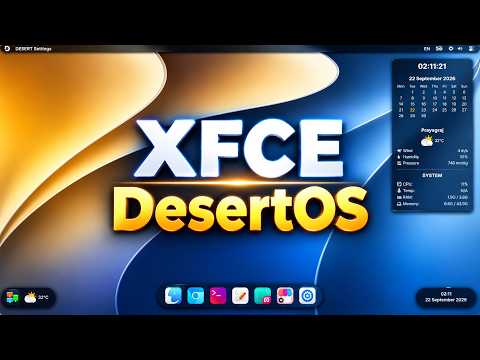
This Lightweight LINUX Distro Looks Like MacOS - DesertOS (XFCE)
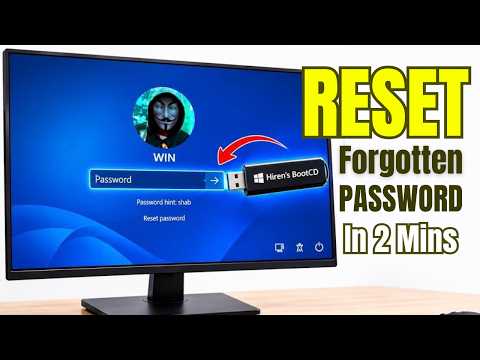
Remove Or RESET Windows 10/11 Login Password with Hiren USB 2026
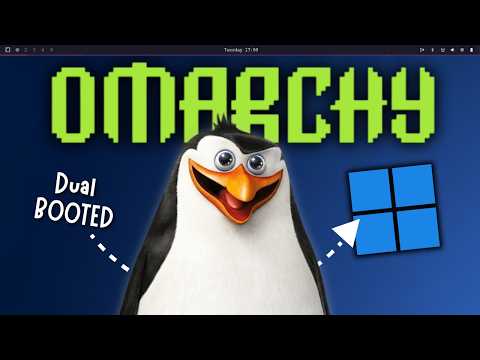
I Tried OMARCHY Linux for 7 Days with Windows 11 as Dual-boot!
How to Install Linux MINT Without USB on Windows as DUAL Boot
How to Enable Secure BOOT, TPM 2.0 & IOMMU (Fix Game Anti-Cheat ERROR)
Increase Dedicated VRAM in Windows 11 — Worth It or a Waste of Time?
Shareable card
A compact ReReview card and short URL for sharing this trust score.
