
AvoidErrors
Windows administration, network configuration, and mobile utilities with a focus on practical troubleshooting.
Nutrition Label
AvoidErrors provides highly efficient, screen-recorded tutorials that solve specific technical problems with zero fluff. Viewers can expect excellent alignment between titles and content, with a focus on direct 'show, don't tell' demonstrations for Windows and mobile tasks. However, the content prioritizes functional execution over deep theoretical analysis or security best practices.
Strengths
- +
- +
- +
Notes
- !Double-check security protocols in networking tutorials, as older methods are sometimes demonstrated without warnings.
- !Expect purely functional walkthroughs rather than comparative reviews or deep technical theory.
Why this score
“I'm going to show you how to zip and unzip files in Windows 11.”
The intro immediately establishes the scope, and the video delivers exactly this workflow without deviation.
Open receiptTrust Breakdown
Mixed / General Lens: Scored with the default trust weighting.
Confidence pending. Based on 6 long-form videos.
These six Trust Core outputs drive the public creator rating. Communication affects discovery ranking separately. Methodology →
Recent Videos

How to Install ownCloud on Ubuntu 20.04 LTS DigitalOcean
How to Create a System Image Backup in Windows 11 - AvoidErrors
How to Zip or Unzip Files in Windows 11
How to Install Raspberry Pi Raspbian OS on a PC

Raspberry Pi 4 Ultimate Cooler!! The Icecube works on the Pi 4 , Pi 3 & 3B+

iPhone : How to Screen Record with sound
Remote Desktop Ubuntu 21.10 from Windows 11

Upgrade / Clean Install Windows 11 without a USB Drive
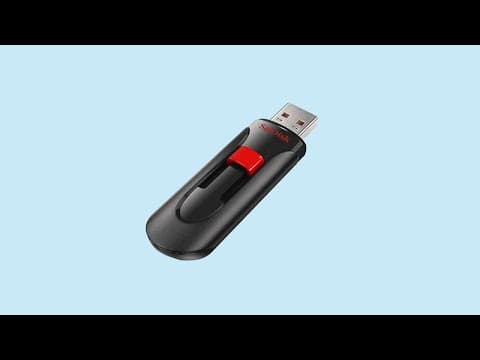
How to Create a Windows 11 Bootable USB Flash Drive - AvoidErrors

How To Setup VPN on Windows 11

How to Properly Setup FTP Server on Windows 11

Completely Remove Windows 11 and Install Ubuntu

Upgrade From Windows 11 Home To Windows 11 Pro Without Reinstalling Windows

Windows 11 Create a local User Account
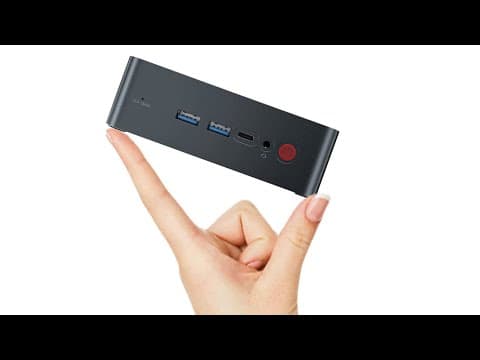
TRIGKEY Green G1 Mini PC Review
Shareable card
A compact ReReview card and short URL for sharing this trust score.
