Ace Lucero Tech
Apple Ecosystem, Smartphones, and Software Tools with a focus on productivity workflows and settings tutorials.
Nutrition Label
Ace Lucero Tech specializes in concise, screen-recorded tutorials for iOS and Samsung One UI, focusing on practical productivity settings and workflows. While software guides are highly authentic and direct, news coverage and rumor roundups rely on secondhand reports rather than physical testing.
Strengths
- +
- +
- +
Notes
- !Tutorials feature authentic screen recordings, while news updates rely on secondhand reports and leaks.
- !Verify hardware claims in titles, as some model-specific guides actually cover generic software settings.
Why this score
“In this video I'm going to show you how to auto categorize and existing Apple reminders grocery list.”
The video delivers exactly on the specific promise of the title without deviation or fluff.
Open receiptTrust Breakdown
Mixed / General Lens: Scored with the default trust weighting.
Confidence pending. Based on 10 long-form videos.
These six Trust Core outputs drive the public creator rating. Communication affects discovery ranking separately. Methodology →
Recent Videos
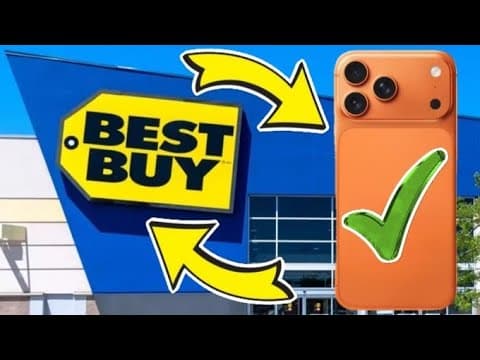
Why Should I Buy a Phone From Best Buy

Why Should I Buy a Phone From Walmart

Dangerous Nor'easter Bringing Flooding and Damaging Winds to New York and New Jersey
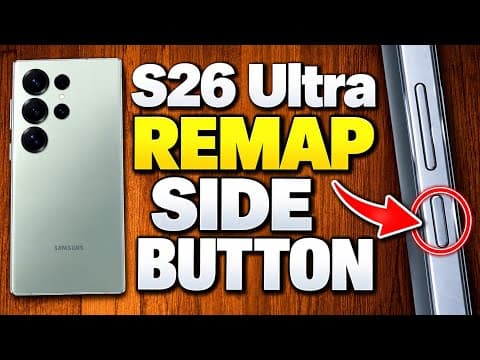
How to Remap the Side Button on the Samsung Galaxy S26 Ultra
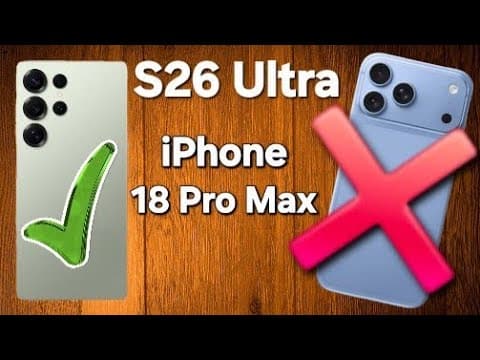
Why The Galaxy S26 Ultra is Better Than The IPhone 18 Pro Max

How To Get Your Money - Apple $250 Million Siri AI Settlement
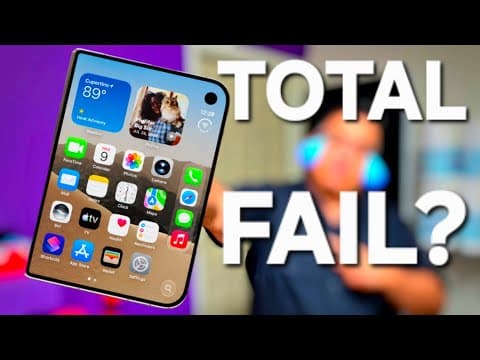
Samsung Fans are Unimpressed With Apples New iPhone Duo
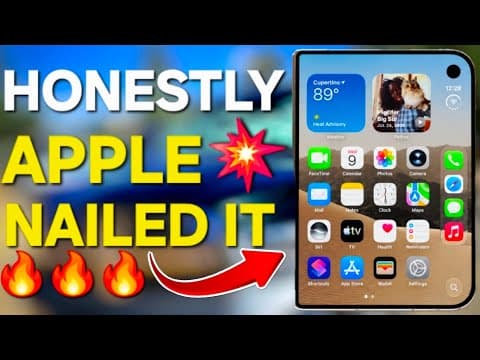
iPhone Duo: Apple Has Redefined the Foldable Phone
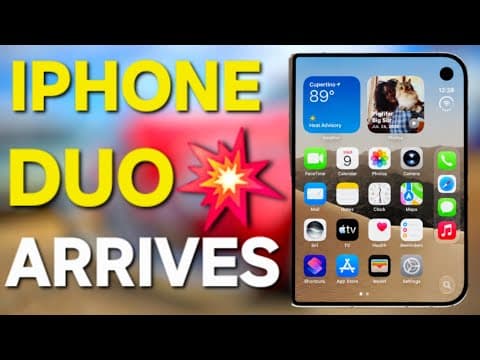
The iPhone Duo Isn’t Even Out Yet — So Why All the Hate?

X Money 6% APY - Is It Actually Worth It?
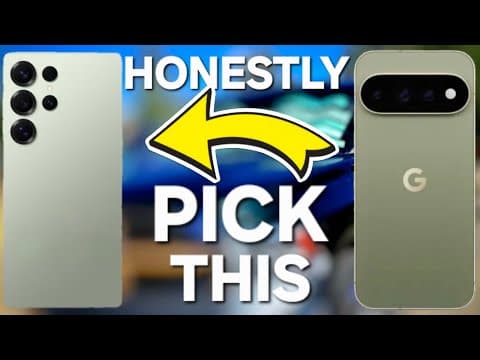
Pixel 11 Pro XL vs S26 Ultra - Battery Life Frustrations
"I Changed My Mind About Foldables" - iPhone Duo
iPhone Duo - Financing and Payment Options
S26 Ultra vs iPhone 18 Pro Max - Don’t Give Up Your Galaxy
How to Use Sound Quality and Effects on Samsung Galaxy
Shareable card
A compact ReReview card and short URL for sharing this trust score.
